How to Create Agendas and To-Do Lists that Actually Work
How many of us have started using an agenda, or made a to-do list, just to find out that we’ve lost it or scrapped it 2 days later?
When used properly, agendas and to-do lists can help you CONQUER THE WORLD!...okay, maybe not the world but it’s a start!

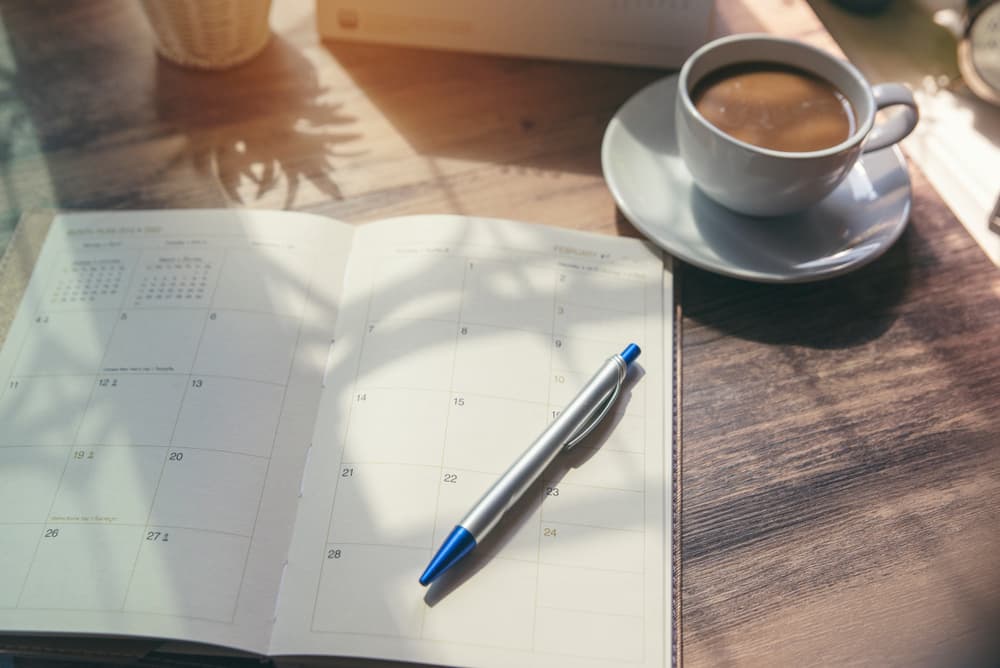
An agenda, which is a calendar that has a start and an end, can be used to keep track of important dates and reminders.
Most agendas you find out there either start in September (made for students) or in January. There are also calendar apps like iCal and Google Calendar that you can use in place of an agenda if you choose to go online.

A to-do list is a collection of tasks, in the form of a checklist or sticky notes, that need to be completed. These can be created for a specific day, week, month, or they can be ongoing.
Studies have shown that people perform better and are more productive when they record their tasks this way.
It helps dampen our anxiety about our chaotic lives, gives us structure and a plan that we can stick to, and make us feel good when we’ve achieved and checked off something from our to-do lists.
How to Pick an Agenda that Actually Works
- It must be portable - if you’re using a wall calendar like a caveman, and I’m not judging, you might forget to put in important dates when they come up in class
- You must be able to see the week and month view at a glance - trust me, you want to be able to see what assignments and midterms you have coming up
- It should allow for changes - this isn’t a problem for digital calendar apps, but if you’re going with a written agenda, you might want to “pencil it in”
Where do To-Do Lists Come in?
You can have multiple different to-do lists for different aspects of your life, or one giant master to-do list (I personally prefer smaller ones)
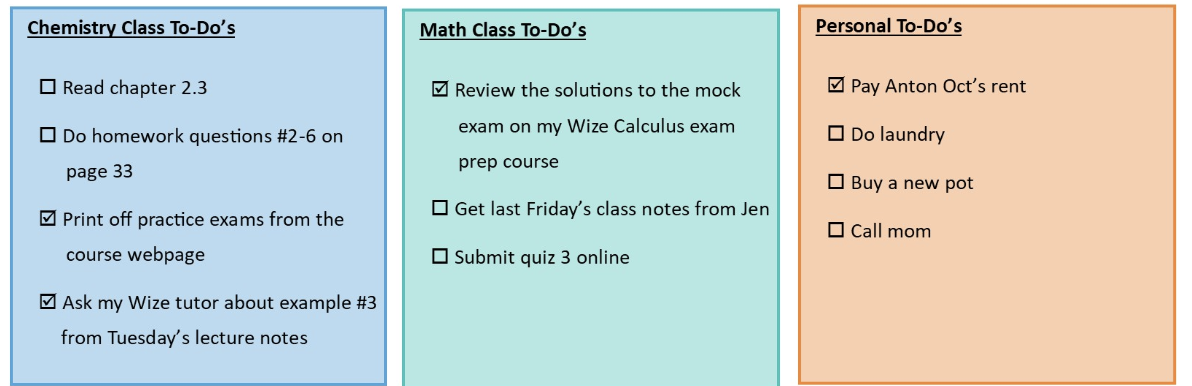
Whenever you think of a task, jot it down in one of your to-do lists, that way it won’t take up your mental space, and you won’t forget to do something very important.
How to Put it in Action
After your first class, note down all important dates in your calendar--labs, assignments, quizzes, tests, midterms and final exams, Wize prep course release dates, the last day to drop a class, mark release dates, etc.
- Continue to update this agenda whenever dates and important reminders come up
- Jot down specific actionable tasks in the appropriate to-do lists the moment you think of them
- Update these lists by checking off, adding, or modifying items
- Put big overview tasks in your agenda and smaller bite-size tasks in your to-do list.
For example, you might put “Study for Calc final” on Dec 4th in your agenda, but you want to break it down into “review questions #2-4 on page 135”, “Ask my Wize tutor XXX”, “Try the mock exam part 1 on Wize” on your to-do list
Tips:
- If you’re using a digital calendar/agenda app, set reminder notifications
- You can share your calendar with close friends who are taking the same course, and your Wize tutor
- If you’re using a physical agenda, keep a stack of colourful sticky notes so you can easily create to-do lists on the go
Struggling to balance life as a student? Check out this video about the 5 best apps to help you stay organized!
Related Posts:

Study with Us
The help you need to get the grades you want.
Previous Blog
LSAT Prep Timeline: When to Start and What to Study
Next Blog
How to Study When You Don’t Want to
Other posts you might like:
Studying
What to Do if You’re Failing a Class in College
No one wants to fail a class at college or university, but what happens if you are failing a class i... Read More
L
Lindy Ledohowski